
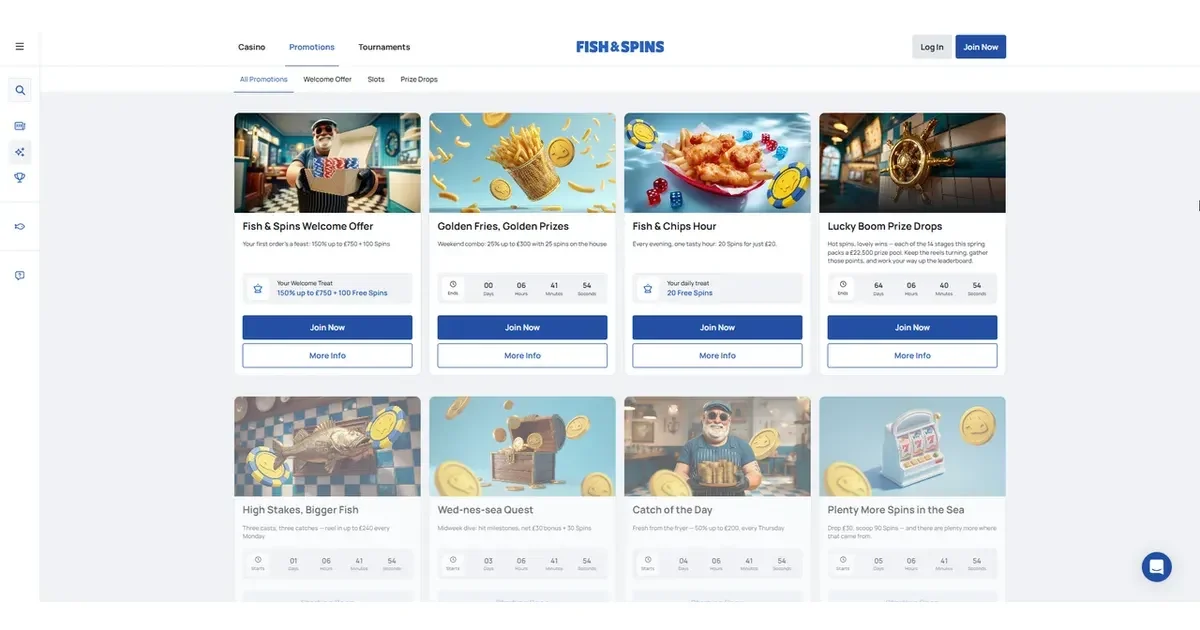
Before you load Fishandspins casino on a phone, it helps to know what you are actually getting rather than assuming it works like a downloaded app. This page sets out how mobile access works in practice, what carries over cleanly from a desktop session, and what tends to feel tighter on a small screen. It is written for players aged 18 and over (18+), and it covers the browser experience only.
Checking a few things before you start
A little preparation makes mobile sessions smoother. Before depositing or claiming anything on a phone, it is worth confirming your connection is stable, your browser is current, and you know where the cashier and account pages sit in the menu - mobile layouts tend to tuck these behind an icon rather than a visible tab.
- Use an updated version of your phone's browser rather than an older cached one
- Keep the site bookmarked rather than searching for it fresh each time
- Have your verification documents ready on the device, in case an upload is requested
- Check your data or Wi-Fi signal before starting a live-dealer session, since these lean on a steady connection more than slots do
Access, not a download
We have no basis to describe a native Fishandspins app, and none is referenced anywhere we could confirm - so this page describes the mobile browser route, which is how play happens on a phone here. That means opening the site through Safari, Chrome or another mobile browser and playing directly, with nothing to install and nothing to update separately from the site itself.
What works reasonably well in a browser
Once loaded, a mobile browser session carries most of the core casino functions across from desktop. Slots, table games, live dealers and crash games all run inside the browser window, and the registration and deposit flow follows the same steps regardless of device. Live Chat is available 24/7, which matters more on mobile than desktop, since a typing issue or a stalled payment is more likely to need quick help from a smaller keyboard.
Where mobile falls short of desktop
Some things are genuinely more awkward on a phone. Long terms pages and the tiered VIP tables are harder to read at speed on a small screen, and switching between the cashier, the game window and a document upload for verification usually means more back-and-forth than doing the same tasks on a larger display. Live-dealer tables also lean harder on your connection quality on mobile than they do on a fixed line at home, so a weak signal shows up faster there than in a slot round.
A short checklist for mobile sessions
- Confirm your browser is up to date before logging in
- Locate the cashier and account menu once, so you are not hunting for it mid-session
- Keep verification documents saved on the device in the Latin or Cyrillic alphabet, since that is what is accepted
- Move to Wi-Fi for live-dealer play where possible
- Set a rough time or spend limit before you start, since a phone session is easy to extend without noticing
Playing from a phone is convenient, but that convenience is exactly why it is worth staying deliberate about session length and spend. If gambling stops feeling like entertainment, free and confidential support is available at BeGambleAware.org or through the National Gambling Helpline on 0808 8020 133, free and open 24/7.
For anything about your own account, deposits or verification, our support team can be reached at [email protected]. Access to this site is restricted to persons aged 18 and over (18+). We want your play to stay enjoyable - for free, confidential support, visit BeGambleAware.org.